OpenVINO Voice + Vision Assistant

Robot

A cross-platform desktop conversational assistant for Windows and Linux that combines local or external LLMs, voice input, voice output, OpenVINO model utilities, and an optional camera and panel runtime.

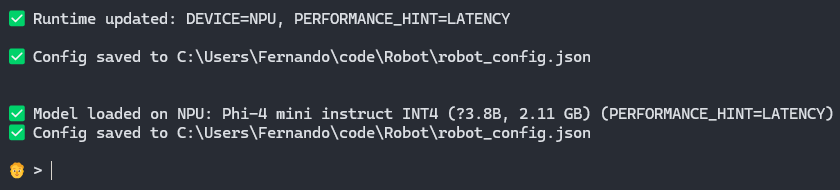
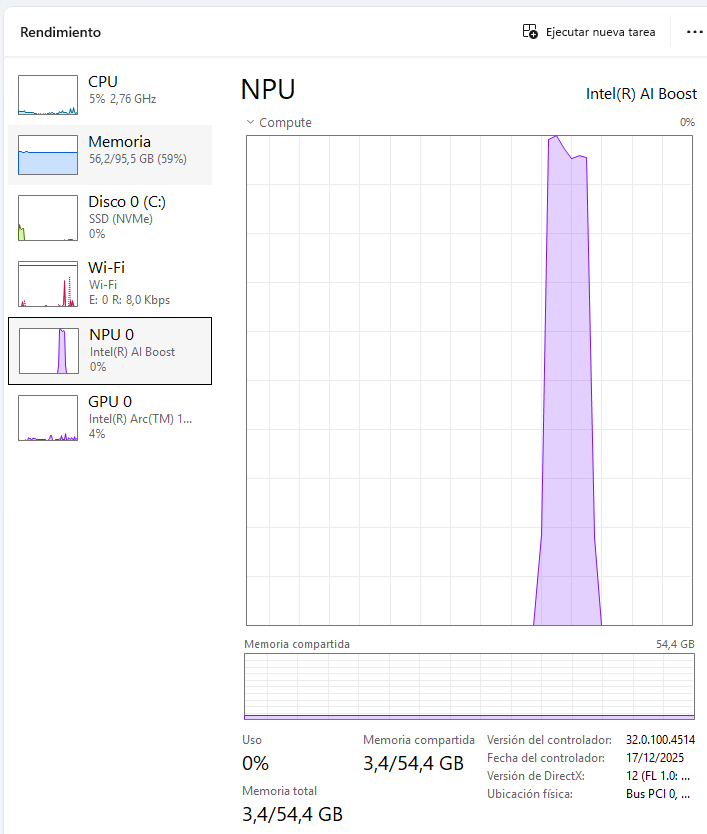
  • Local LLMs with OpenVINO GenAI on CPU, GPU, and NPU
  • Whisper STT with startup preload and Silero VAD auto-listen
  • Multiple TTS backends plus optional camera presence reactions
Robot avatar

Overview

What The Project Does

robot.py works as an interactive REPL.

  1. Loads configuration from robot_config.json.
  2. Loads model catalogs from ~/ov_models.
  3. Preloads the configured Whisper backend.
  4. Tries to restore the previously used LLM.
  5. Waits for commands or regular prompts.
  6. Either repeats text through TTS or sends it to the active LLM.

It also supports:

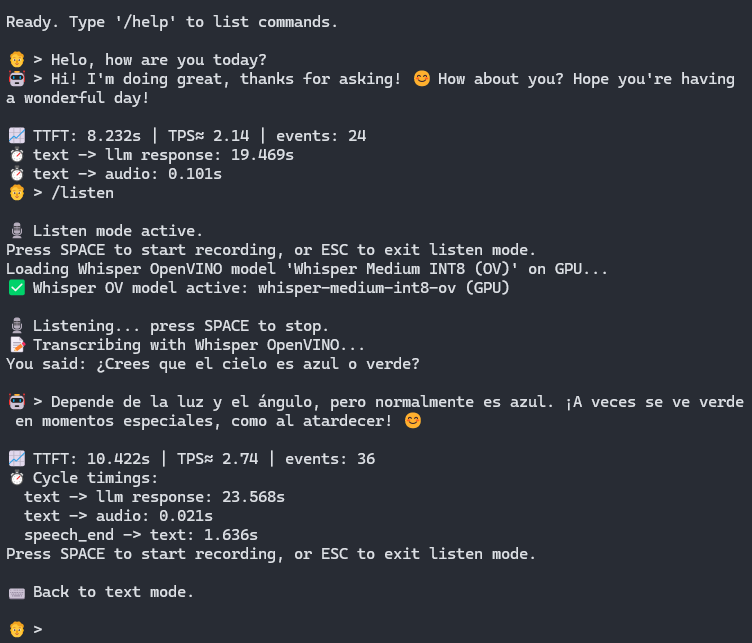
  • manual /listen with SPACE and ESC
  • continuous /auto_listen on with Silero VAD
  • an optional /panel window with avatar, camera, toggles, and VAD bars
  • headless camera and vision processing when the panel is closed
  • an OpenAI-compatible endpoint at /v1/chat/completions

Presence And Panel

Reactive camera presence with an optional robotics-style control surface

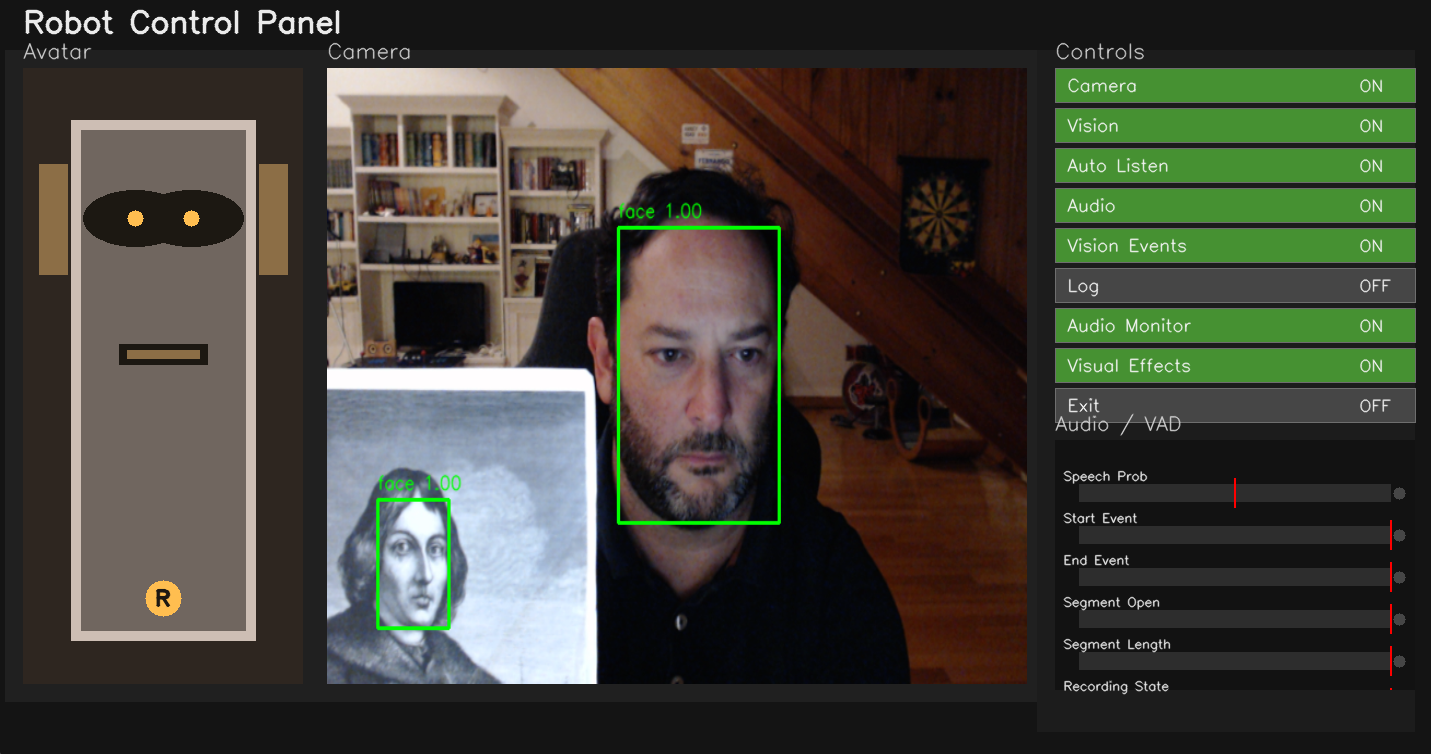
The optional control panel shows a robot avatar, camera area, runtime switches, and audio/VAD bars.

With a face detection model enabled, the assistant can:

  • detect when people appear in the camera
  • greet people when they arrive
  • say contextual lines when the visible count changes
  • react when it is left alone
  • interrupt its own audio and say me cayo if everyone disappears while it is speaking

The camera worker is independent from the panel, so /camera on, /vision on, and /vision_events on can keep running without rendering the window.

Robot control panel

Capabilities

Functionality Overview

LLM Runtime

Local LLM chat through OpenVINO GenAI on CPU, GPU, NPU, or AUTO, plus external OpenAI-compatible backends.

Speech Stack

Classic Whisper and OpenVINO Whisper STT, Whisper preload on startup, and continuous auto-listen with Silero VAD.

TTS Options

Windows SAPI, Parler, OpenVINO, Kokoro, BabelVox, and eSpeak NG with optional streaming while the LLM is generating.

Vision Events

OpenVINO face detection, presence-aware behavior, throttled logging, and optional headless camera processing.

Developer Tools

Benchmarking, compatibility tracking, JSON catalogs under ~/ov_models, and an OpenAI-compatible local server.

Platform Support

Windows and Linux with OS-specific dependency files, install scripts, and adaptive backend behavior.

Backends

Supported Runtime Pieces

LLM

  • Local via openvino_genai.LLMPipeline
  • External via an OpenAI-compatible API

Speech-to-Text

  • openai-whisper
  • openvino_genai.WhisperPipeline
  • Silero VAD for segmentation

Text-to-Speech

  • Windows SAPI
  • Parler-TTS
  • OpenVINO TTS
  • Kokoro ONNX
  • BabelVox
  • eSpeak NG

Screenshots

Examples

Setup

Quick Start

Windows

pip install -r .\requirements-windows.txt
python .\robot.py

Linux

pip install -r ./requirements-linux.txt
python ./robot.py

Install espeak-ng and PortAudio system packages first.

Recommended first session

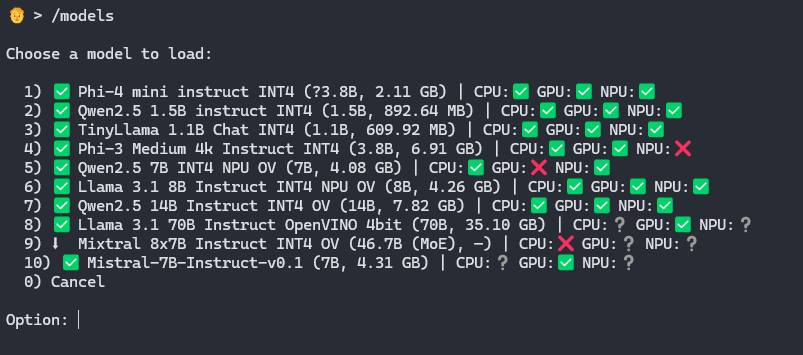
  1. Run /models.
  2. Choose a local LLM or configure /llm_backend external.
  3. Adjust audio and STT settings with /config.
  4. Optionally run /panel.
  5. Optionally enable /camera on, /vision on, and /vision_events on.
  6. Try /listen, /auto_listen on, or type prompts directly.

Reference

Main Commands

/help /models /add_model /delete /config /voices /llm_backend local|external /tts_backend windows|parler|openvino|kokoro|babelvox|espeakng /repeat true|false /listen /auto_listen on|off /start_server /exit
/audio on|off /audio_inputs /audio_input_select /audio_monitor on|off /panel /camera on|off /vision on|off /vision_events on|off /vision_models /vision_select /vision_model /vision_labels /vision_device <name> /log on|off|seconds
/whisper_models /whisper_add /whisper_select /parler_models /parler_add /parler_select /openvino_tts_models /openvino_tts_add /openvino_tts_select /kokoro_models /kokoro_select /babelvox_models /babelvox_select /stats /all_models /clear_stats /benchmark

Project Files

Important Files

  • robot.py: main application
  • robot_config.json: persisted configuration
  • AGENTS.md: repo context for coding agents
  • vision_models.json: vision model catalog
  • ov_models/models.json: LLM model catalog

The main configuration stores:

  • LLM backend and active device
  • TTS backend
  • Whisper backend and model settings
  • camera, panel, and vision options
  • auto-listen and Silero VAD settings
  • TTS streaming and system prompt options